We use cookies to make your experience better. To comply with the new e-Privacy directive, we need to ask for your consent to set the cookies. Learn more.

Purchase & Login Guide
Buying a course takes a few minutes. Here is each step, from choosing your course to your first login.
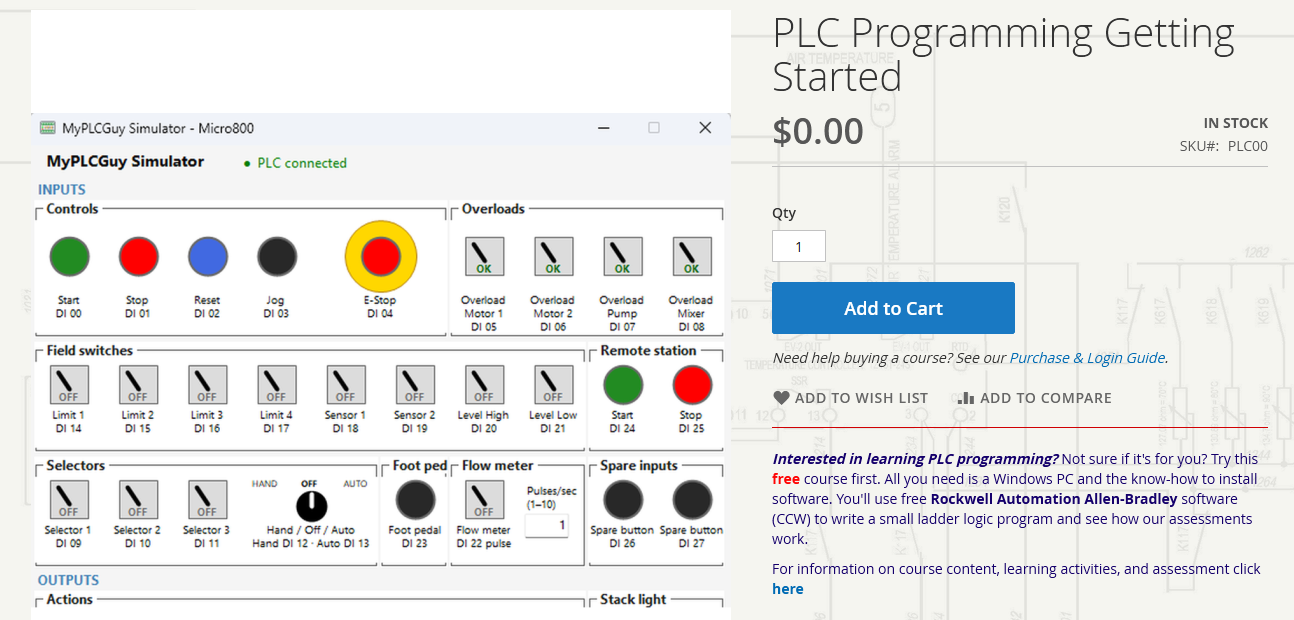
1. Choose your course
Open the course page and click Add to Cart.
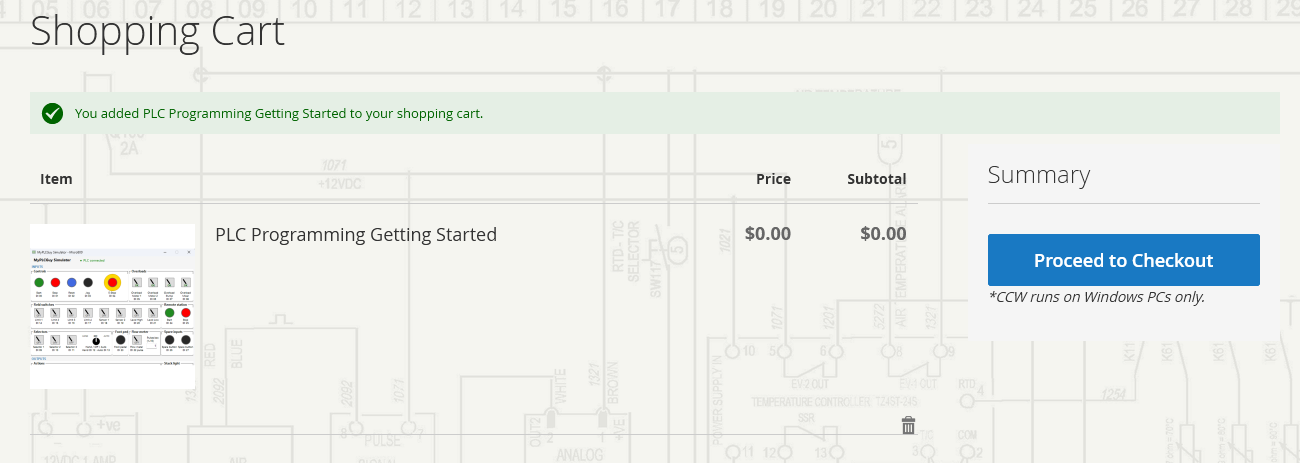
2. Check your cart
Click Proceed to Checkout. CCW runs on Windows PCs only.
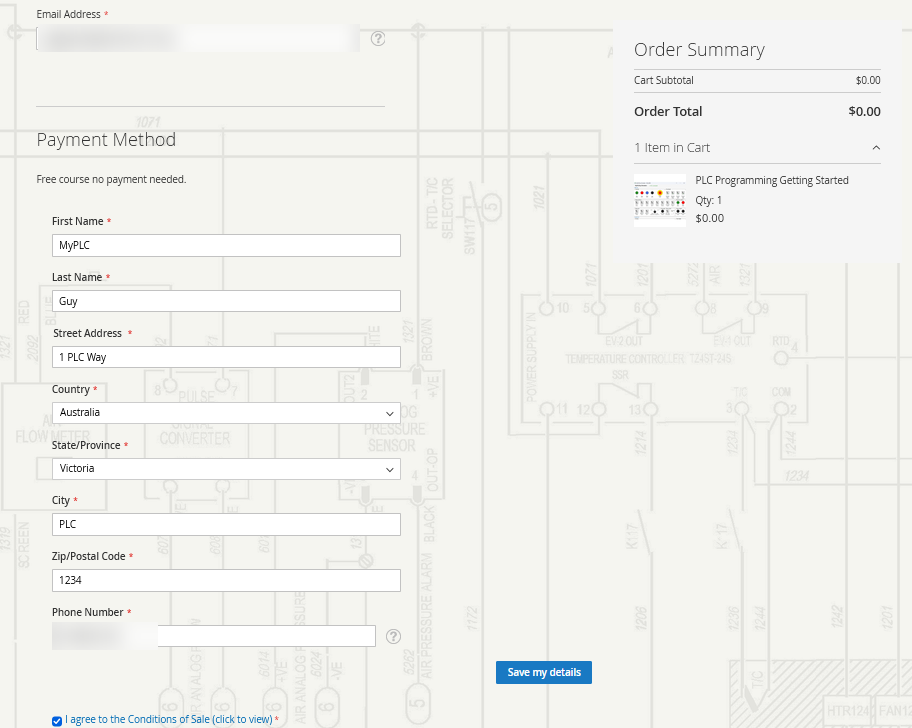
3. Enter your details
Enter your email address, name, address and phone number, then click Save my details.
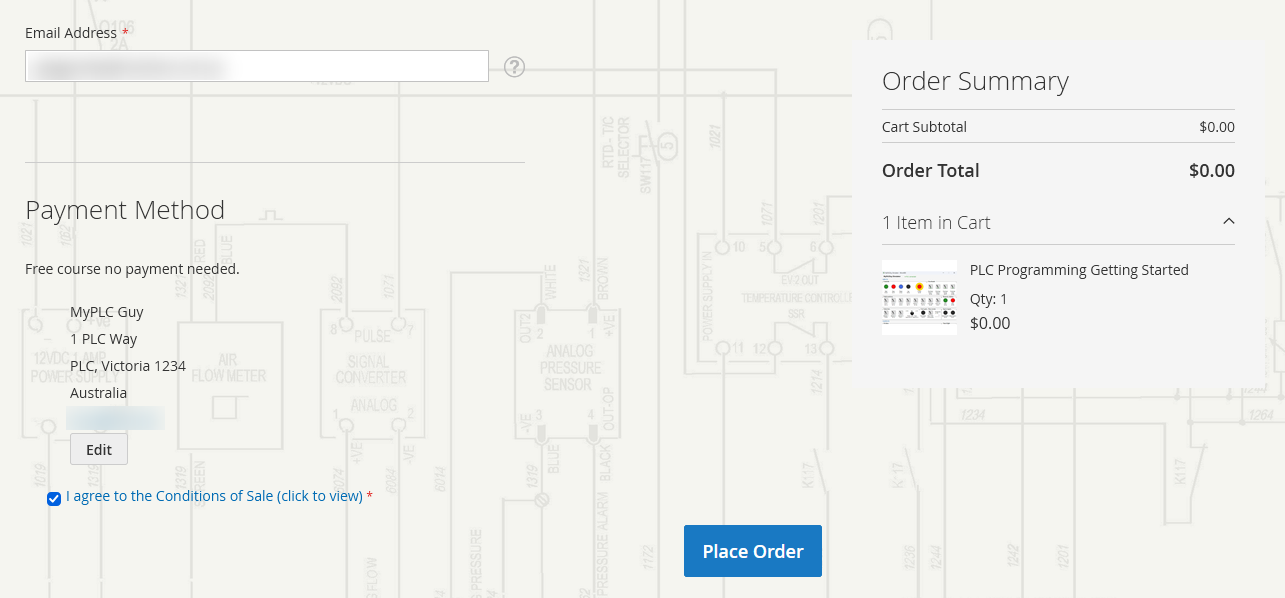
4. Place your order
Tick I agree to the Conditions of Sale, then click Place Order.
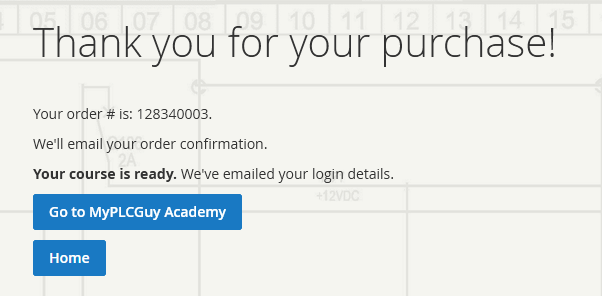
5. Order complete
You'll see your order number. Your login details are on their way by email.
6. Check your email
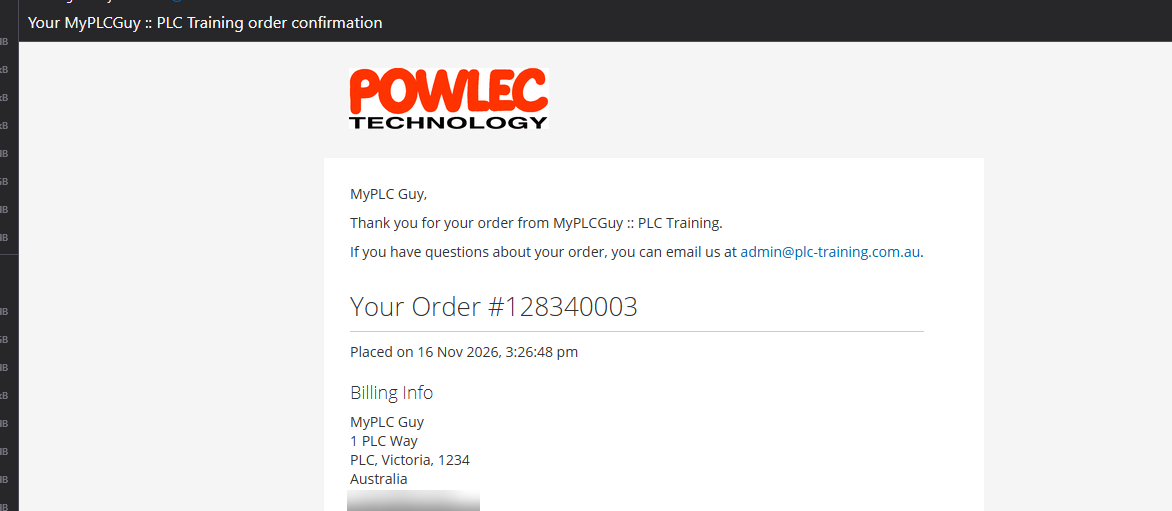
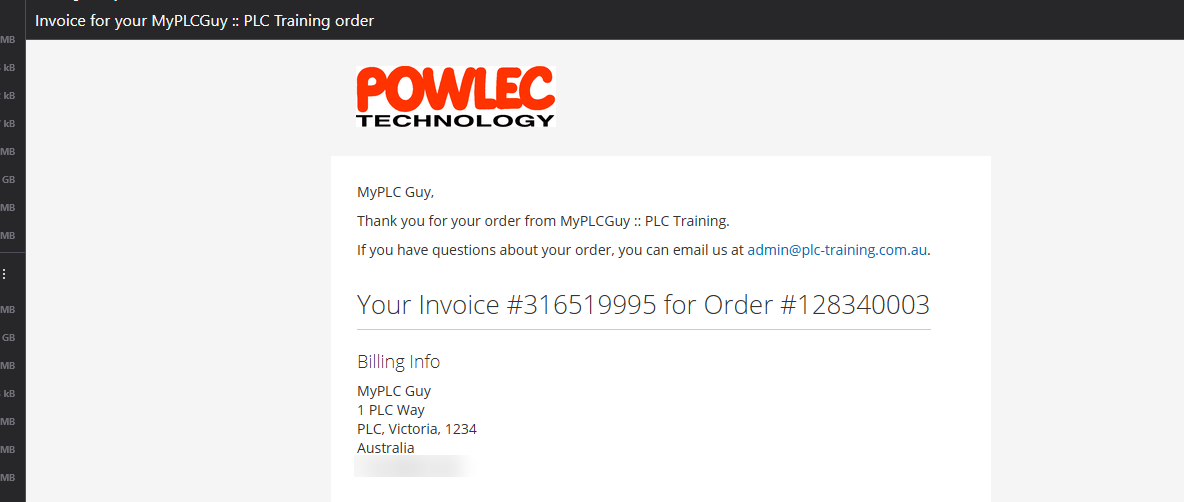
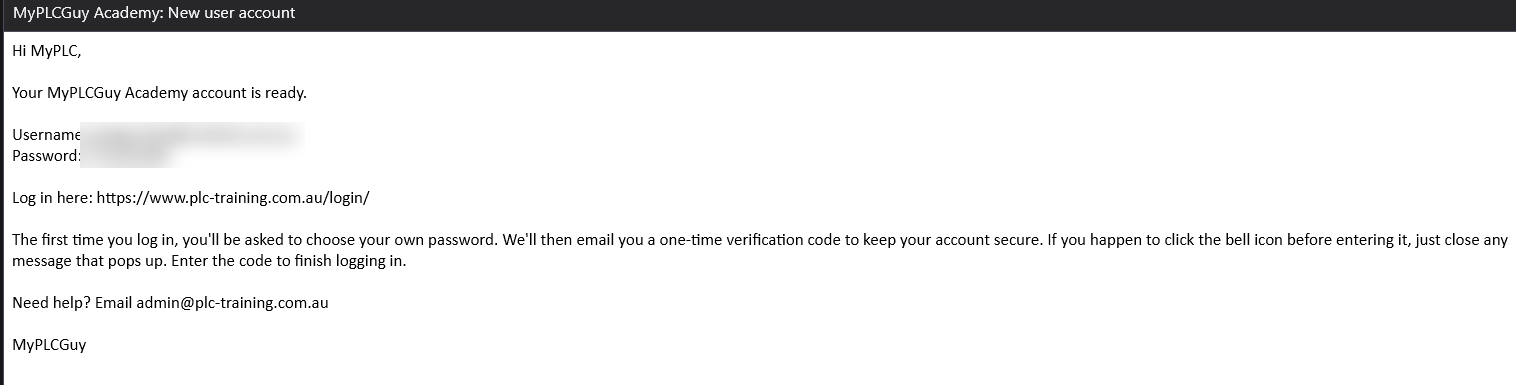
You'll receive these emails. If you can't see them, check your junk folder.
- Order confirmation: your order details.
- Invoice: your receipt.
- New user account: your username, password and login link (first course only).
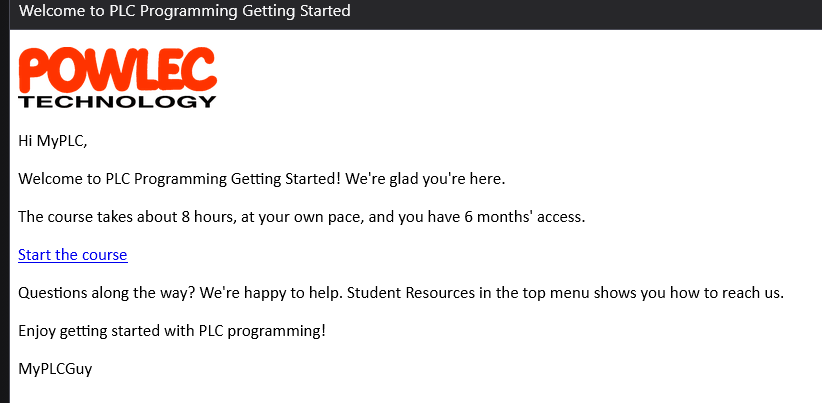
- Welcome to your course: a link to start the course.
7. Log in for the first time
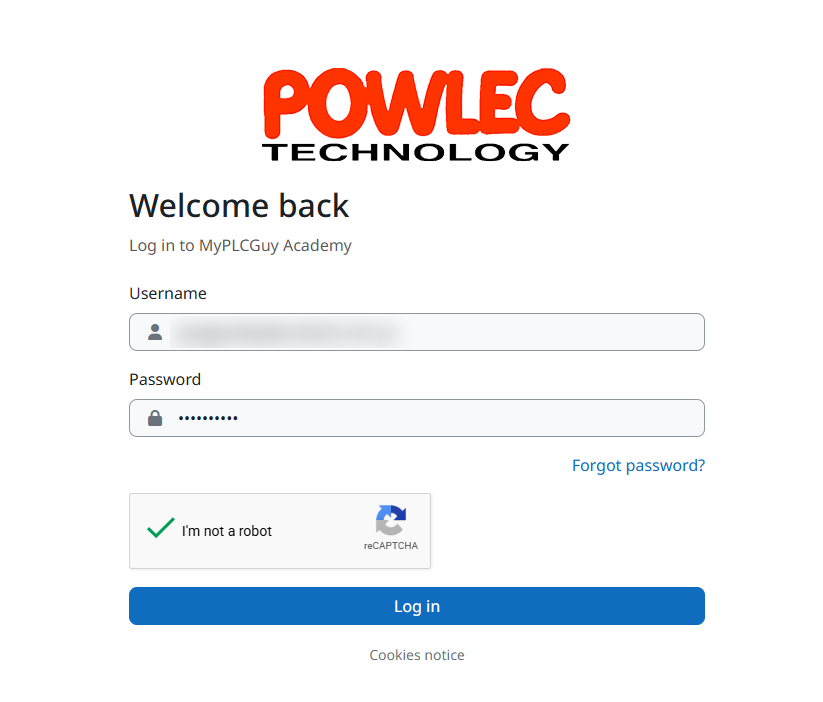
Click the login link in your new user account email. Enter your username and password, then click Log in.
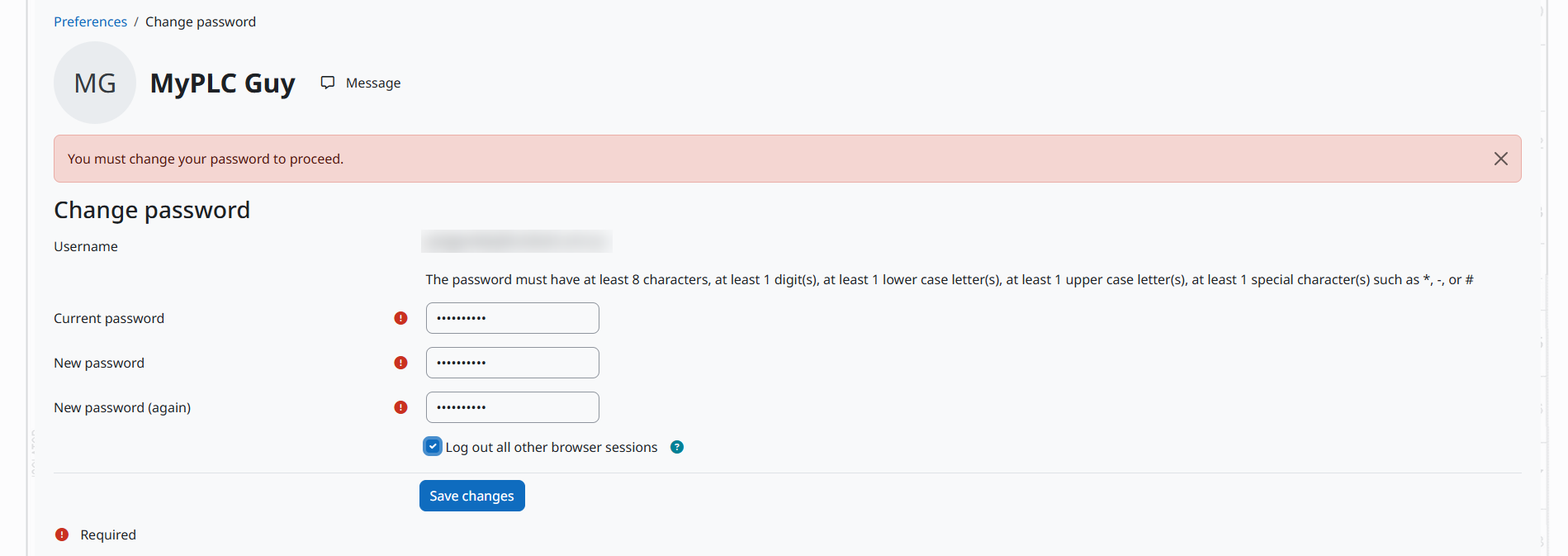
Choose your own password and click Save changes, then Continue.

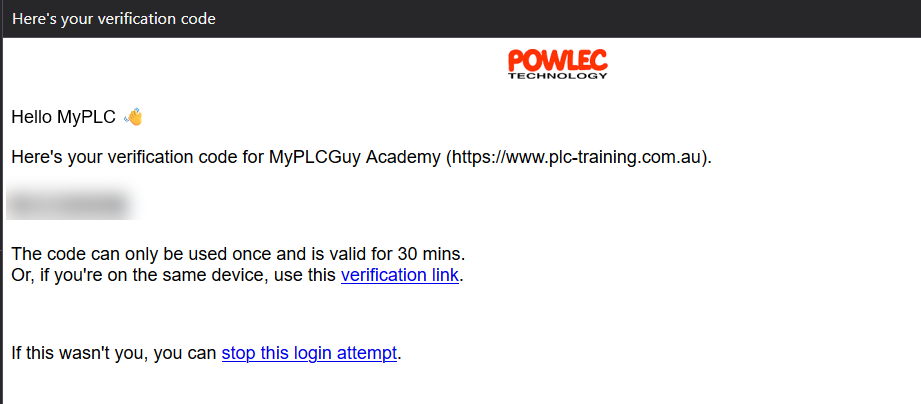
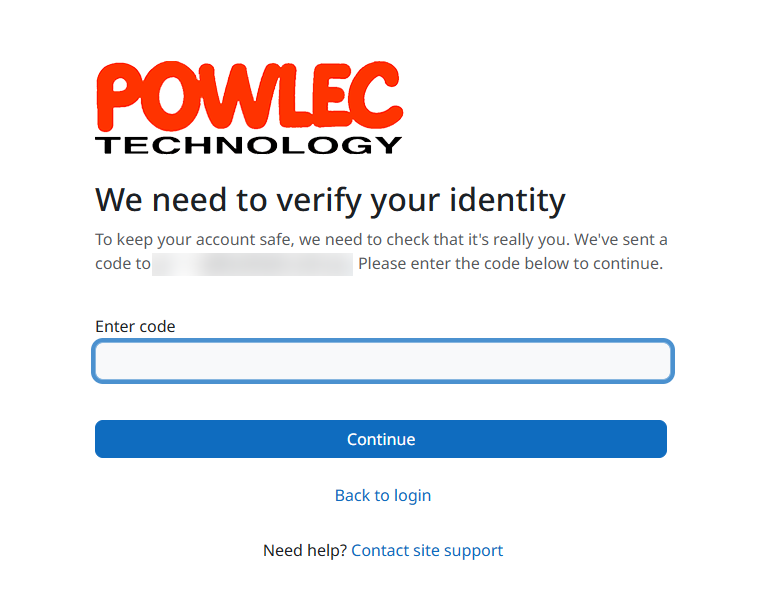
We'll email you a one-time verification code. Enter it and click Continue.
8. Start learning
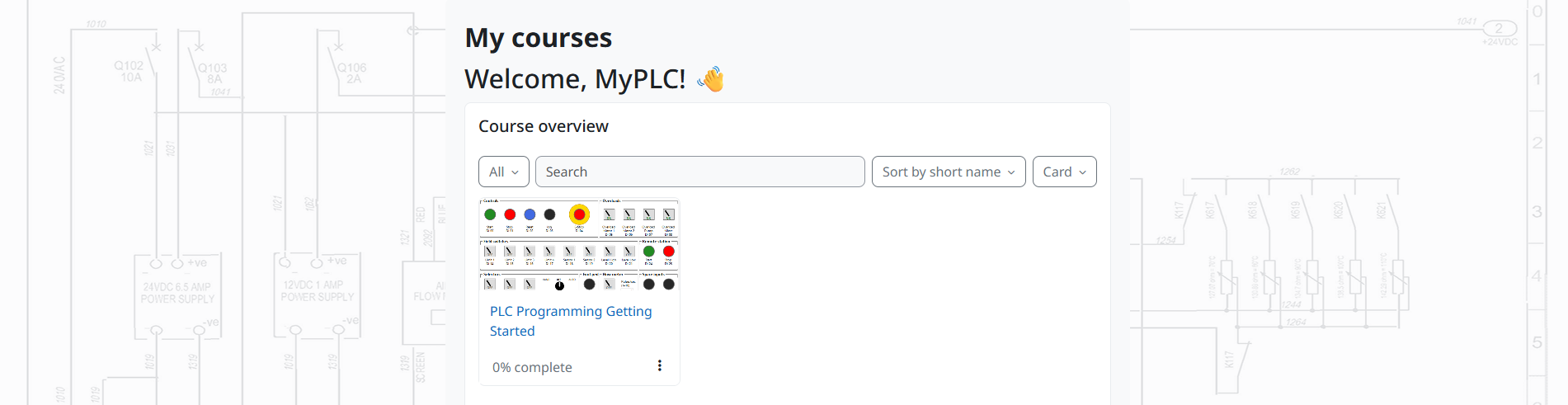
My courses shows your course. Click it to open it.
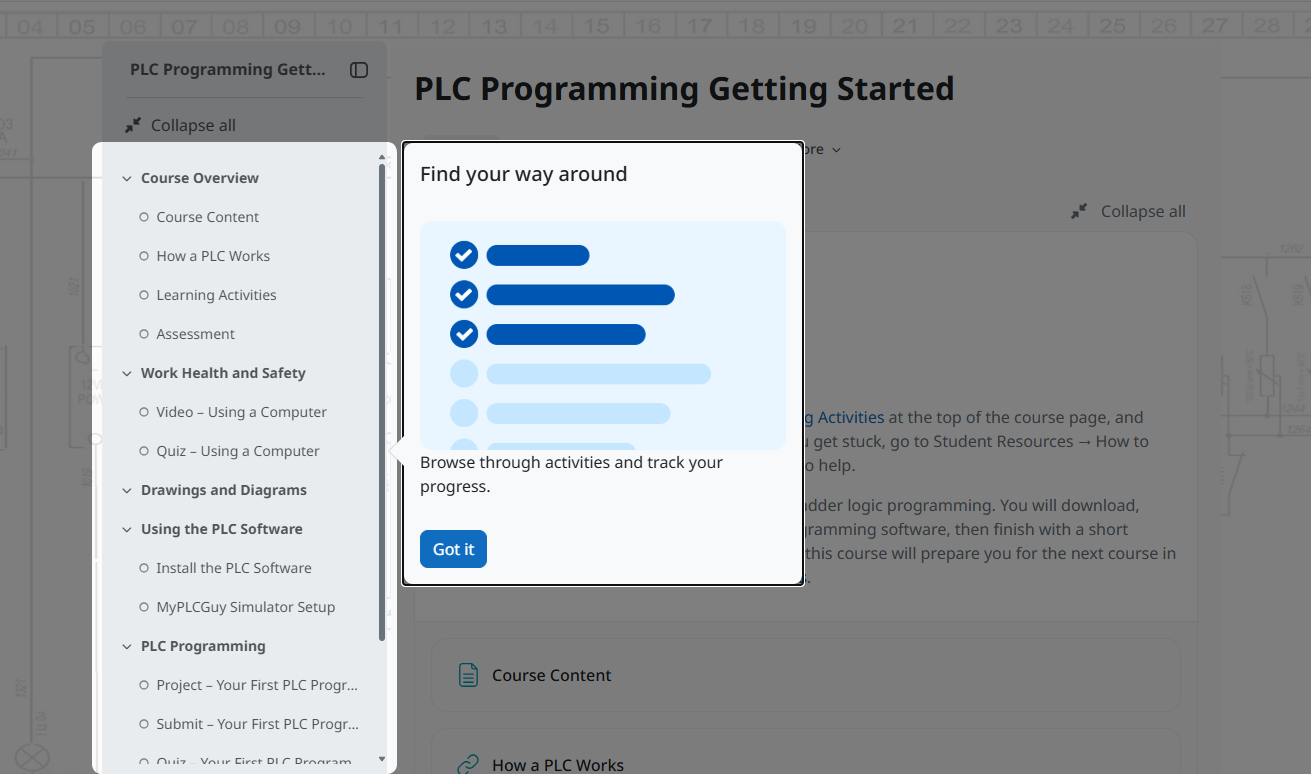
The first time you open a course, a short tour shows you around. Click Got it when you're done.
Already a student?
You won't get a new user account email. Log in with your existing username and password, and your new course will be in My courses.